An independent phonics station your learners will love.
Whether you teach early readers, run reading intervention, or support children learning English, ReadPals gives students real decoding practice they can do on their own. Every right answer comes from listening and sounding out, and the free games need no account.
Students never type a name. The “Who’s playing?” button on each game is for grown-ups.
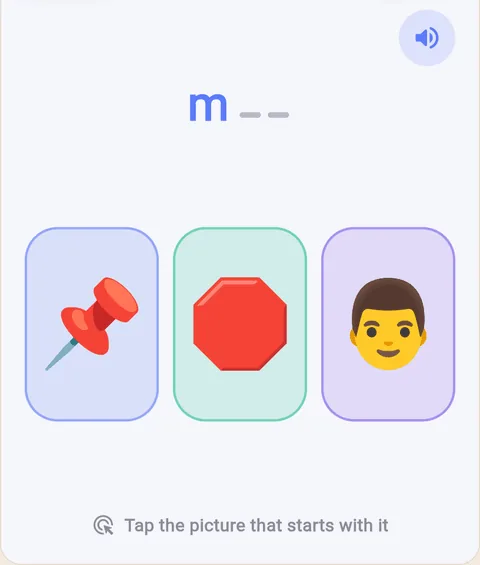
First SoundHear a sound, tap the picture.
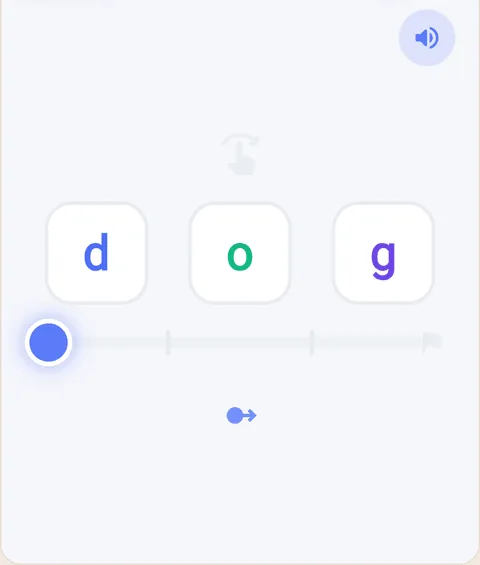
Stretchy BlendSlide through the sounds.
Real frames from two of the free games.
The station workflow
How a phonics station runs
Spoken questions and pictures let pre-readers play on their own once they have seen a round, freeing you to work with a small group.
1
Set up in a minute
Open the free games on the station’s tablet or computer, tap a game that matches today’s lesson, and use Full screen so it fills the display.
Turn the sound on, or use headphones in a shared room: many games speak their question aloud. There is no account to create and nothing to download.
2
Students play on their own
Show a new student one round together. After that they tap, drag or trace on their own, one focused skill at a time, with gentle feedback that makes another try feel easy.
A few games ask students to say a sound or word out loud, and the browser asks for the microphone the first time. If you would rather no one speaks aloud, choose a tap-and-drag game.
3
You work with a small group
Listen in as you rotate groups. Every game page has a short guide: what the game practices, who it suits, how a round goes, and what to try next.
Games keep progress in that device’s browser, so a shared station holds one pool of progress rather than a report for each student.
Match a game to today’s lesson
One skill at a time
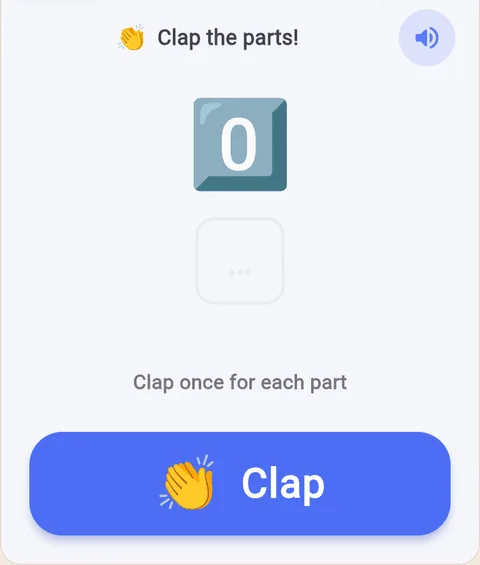
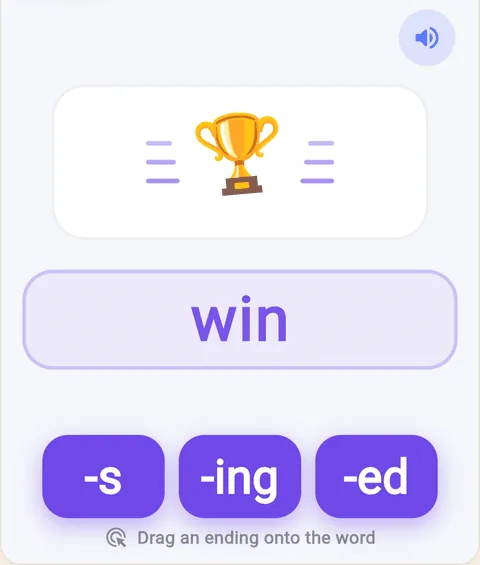
Each free game practices one focused skill. These four are answered by tapping and dragging, so no one has to speak aloud.
Phonics games. 28 short games that open in the browser, each one a single skill.
Word and sound flashcards. Make a collection for your classroom, share it, or print the cards. Open the flashcards.
Decodable stories. Print a short decodable story matched to the sounds you have taught. Browse the stories.
Good to know
Students never type a name or sign in, and progress stays in the browser on that device. The “Who’s playing?” button on each game is for grown-ups, so students can ignore it.
ReadPals doesn’t have class rosters, student logins or a teacher dashboard. The ReadPals app is built for a grown-up and the children they add, and it follows a systematic phonics sequence for each reader.
Would you like to use the app with your students? Email hello@readpals.com and we will help.